Login problems feel urgent because they block everything else, but most of them have ordinary causes: a mistyped detail, a stale saved session, a weak connection at the wrong moment, or an app that needs a clean restart. Working through the causes in order usually restores access without drastic measures.
This guide follows that sensible order, from the checks that take seconds to the steps worth trying before a reinstall. Keep the Mixx Followers download page in mind as the reference point for the app itself, and work through the sections below on the phone where the problem is happening.
Start with the Details Themselves
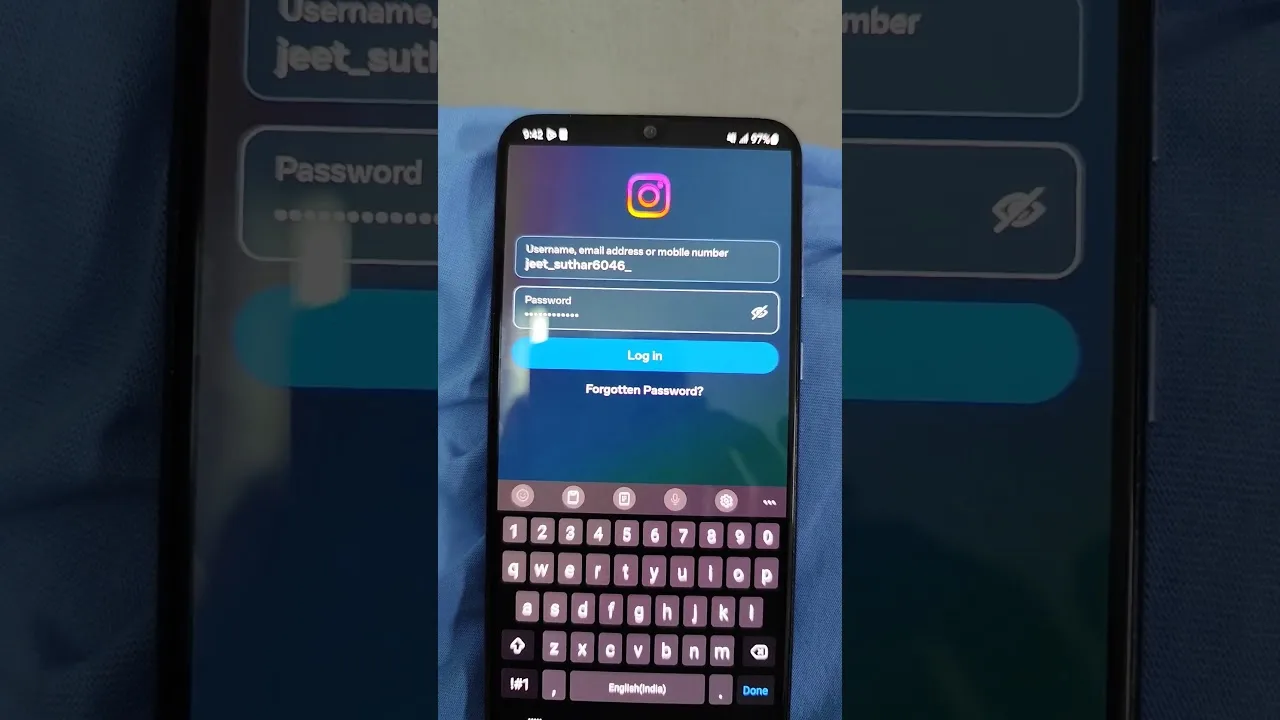
The single most common login failure is a detail that is almost right: an old username, a missing character, or a keyboard that quietly capitalised or auto-corrected the first letter. Retype the information slowly, watch each character appear, and use any show-text option available to verify what is actually in the field before submitting.
Also confirm you are signing in the way you originally set up. Accounts created through one method sometimes fail when approached through a different sign-in route that looks identical. Consistency with your original setup method, the one used in our account setup walkthrough, removes an entire class of confusing failures immediately.
Break a Looping Sign-In Screen
A screen that returns you to login after apparently accepting your details usually points to a stale session or a temporary file the app is struggling with. Fully close the app from the recent-apps view, wait a few seconds, and reopen it. This simple restart clears more login loops than any other single action.
If the loop survives a restart, restart the phone itself before trying anything stronger. A phone reboot rebuilds the temporary state for every app at once. The broader checklist in Mixx Followers not working fixes explains why these basic resets solve so many apparently serious faults, and login loops are a textbook example.
Check the Connection Behind the Login
Logins are conversations with a server, and a weak or captive connection can interrupt them halfway, producing errors that blame your details instead. Try switching between Wi-Fi and mobile data, or move closer to the router, and then attempt the login once more. One clean attempt on a solid connection is worth five on a failing one.
Public and workplace networks sometimes filter the traffic an app needs, so a login that fails all day at one location may succeed instantly at home. Testing on a different network is diagnostic gold: if location changes the result, your account was never the problem. Our slow loading and connection fixes for Mixx Followers go deeper on recognising network-caused behaviour.
Keep the email address or account reference attached to your setup somewhere you can reach it without the app itself — a note, a password manager, or another device you control. Recovery of any kind becomes dramatically harder when every clue lives inside the one place you are currently locked out of, which is an easy trap to fall into and an easier one to avoid.
When the App Itself Needs Attention
If details, restarts, and networks all check out, look at the app. Confirm it is updated, since older builds can struggle to talk to newer services, and clear the app cache from Android settings, which removes temporary files without touching your stored details. Cache clearing is safe, reversible in effect, and frequently decisive.
Reserve a full reinstall for last. It is effective, but it discards local preferences and forces a completely fresh setup, so it should be the reward for exhausting gentler options, not the first reaction. When you do reinstall, set up slowly and verify each detail as you enter it, exactly as a first-time user would.
Preventing the Next Lockout
Once you are back in, spend two minutes making the next problem smaller. Save your correct details somewhere you control, note which sign-in method you used, and keep the app updated so version drift never becomes the cause. Most repeat lockouts trace back to one of those three preventable roots.
Finally, avoid rapid repeated login attempts when something is wrong. Hammering the button can extend temporary blocks and always muddies the diagnosis. One careful attempt after each change you make keeps the evidence clean, and clean evidence is what turns a frustrating lockout into a short, solvable puzzle.
Recognising a Temporary Block
Sometimes a login failure is the service protecting itself: too many attempts in a short window can trigger a temporary wait before further tries are accepted. The screen does not always explain this clearly, and the natural response — trying again immediately and repeatedly — is precisely what extends the wait you are trying to escape.
If you suspect a temporary block, stop completely. Use the app later, on a calm connection, with details you have verified character by character in the meantime. Returning fresh after a genuine pause succeeds surprisingly often, because the block has expired and your single careful attempt replaces the frantic cluster that caused it.
Final Thoughts
Most Mixx Followers login problems surrender to order and patience: verify the details, restart cleanly, test the connection, then look at the app itself. Work from the gentlest fix upward, change one thing at a time, and keep notes once access returns. That method restores sign-in reliably and makes any future lockout far shorter. Keep this order saved somewhere you can find it while locked out, ideally on paper or another device, so it is there when you need it most.