Setting up Mixx Followers properly on your first visit saves a lot of small frustrations later. The setup stage is where you confirm your details, learn where the main controls sit, and make the early choices that shape every session after it, so it is worth doing slowly and in order.
If you have only just installed the app, keep the basics close at hand while you work through this guide. You can check the Mixx Followers APK latest download overview first for the app details, then return here and complete each setup step below on your phone.
Before You Open the App
Start with a stable connection, enough free storage, and a few quiet minutes where you will not be interrupted halfway through a screen. Setup flows often time out or refresh when a connection drops, and restarting a half-finished step is the most common reason new users end up with duplicated or incomplete details saved in the app.
It also helps to have the account details you plan to use written down or open in another app. Switching back and forth hunting for a username or email address invites typing mistakes. If your install itself is still fresh, the Mixx Followers installation steps for Android walk through getting the app onto your device cleanly before setup begins.
Entering Your Details Carefully
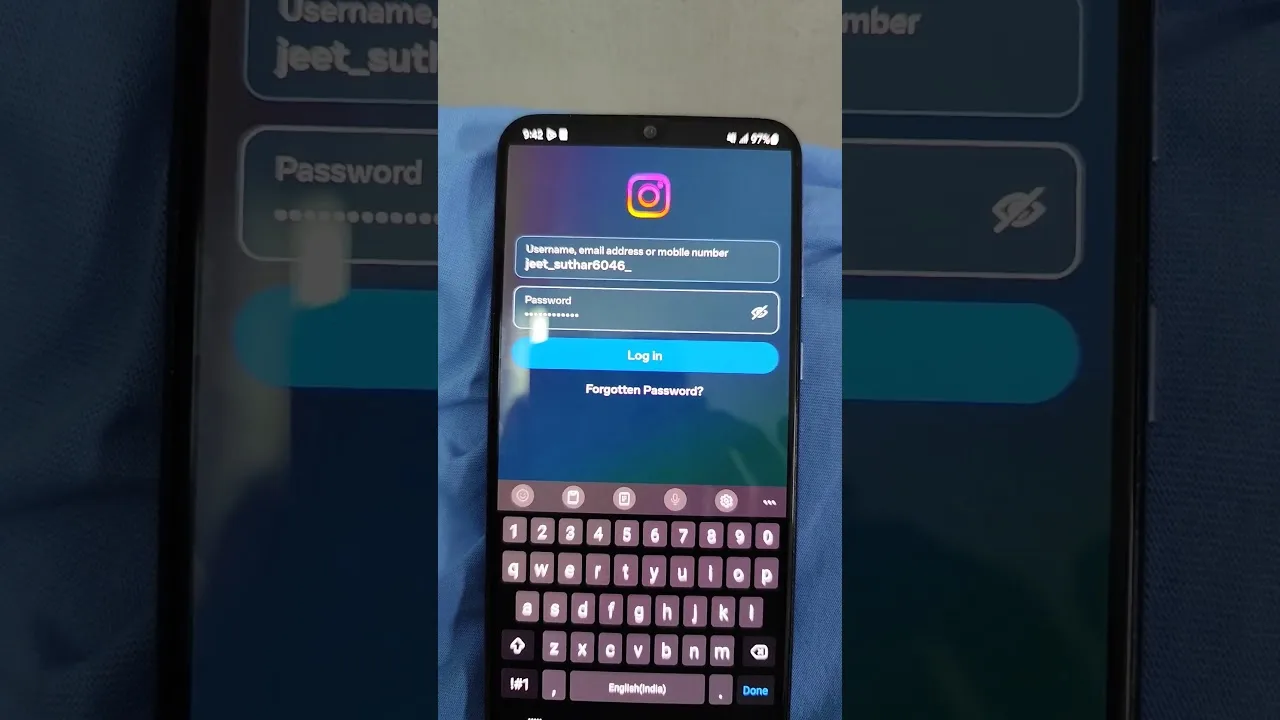
Move through each field once, reading what it asks for before you type. Usernames and profile references need to match exactly, character for character, because a single wrong letter can point the app at the wrong profile or produce an error that looks like a connection problem. Take the extra ten seconds to compare what you typed against the original.
Avoid auto-fill during first setup. Browsers and keyboards sometimes insert an old username or an email address you no longer use, and those saved suggestions can slip into a field unnoticed. Typing the key details manually the first time gives you a clean, deliberate starting point that later edits can build on safely.
Choosing Your First Preferences
Most setup flows end with a short set of preferences: display choices, default views, or how the app opens next time. Choose the simplest options first. You can change preferences later once you understand what each one actually does in daily use, but a complicated first configuration makes it harder to tell which setting caused a behaviour you did not expect.
Pay particular attention to anything that controls what the app shows on its main screen. A tidy starting view, with only the sections you actually use in front of you, makes the first week much calmer. Our first-week tips for new Mixx Followers users explain how those early choices pay off once regular use begins.
One more detail deserves attention during that first pass: spelling consistency. If your profile name appears anywhere else — another social account, a link you share, a signature — copy its exact form rather than retyping a near version. Small inconsistencies between platforms make you harder to find and can make an otherwise genuine profile look like an imitation.
Confirming Everything Saved
When you finish the last setup screen, do not close the app straight away. Go back through the profile or account area and read what is actually stored there. Confirm the username spelling, check that any optional details you added appear correctly, and make sure nothing you meant to skip was saved by accident during a quick tap.
Then close and reopen the app once. A clean reopen that lands on the same details, without asking you to repeat setup, is the clearest sign that everything saved properly. If the app asks for the same details again, complete them once more on a stable connection rather than tapping through quickly a second time.
What Good Setup Looks Like
A good setup ends quietly: the app opens to a familiar screen, your details are exactly as you entered them, and you know where the main sections live. From that point, regular use becomes a short, predictable routine instead of a fresh puzzle each time, and any future problem is easier to isolate.
Keep a short note of the choices you made, even if it is only a line in your notes app. If you ever reinstall, change phones, or reset the app, that note turns a twenty-minute setup into a five-minute repeat, with the same preferences restored in the same order.
Setup Mistakes New Users Make Most
The setup errors that appear again and again are surprisingly consistent: an email address typed from memory and wrong, a username missing one character, and optional steps accepted without being read. None of them are carelessness exactly; they are what happens when a familiar-looking flow is treated as a formality instead of a real configuration.
You can dodge all three with one discipline: treat setup as proofreading. Read each entry back before moving on, the way you would check a boarding pass or a payment amount. That ten-second habit, repeated five or six times across the flow, is the entire difference between the users who glide and the users who troubleshoot.
Final Thoughts
Account setup is a one-time investment that shapes every Mixx Followers session after it. Enter details carefully, choose simple preferences, confirm what saved, and test a reopen before you rely on the app. With those foundations in place, the rest of the app becomes straightforward to learn and easy to manage day to day.